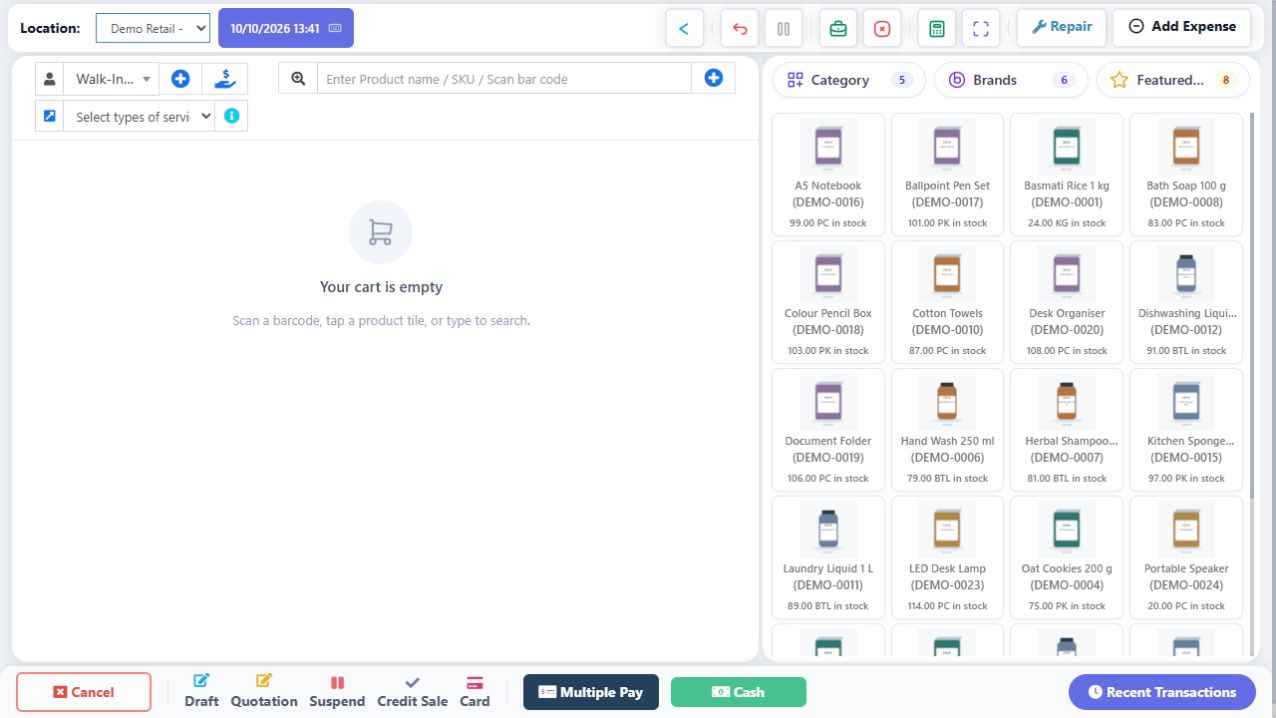
A payment record describes money actually received or paid. Sale total, amount tendered, recorded payment, change and due are related but distinct. Non-cash money should not be counted as cash in the drawer. Card recording does not automatically process a bank transaction; confirm success on the actual payment terminal/channel before recording it.
SCREEN GUIDE Payments & credit — module overview. Select the screenshot to enlarge; optional fields may differ in your business.
Field reference
Use this while completing the form. A required field is marked with *; conditional fields appear only when enabled.
Field / control
What to enter or understand
Amount / Tendered
Amount for this payment and cash handed over where offered. Use the screen’s actual meaning.
Change / Due
Cash to return versus remaining unpaid balance. A paid total and excess tendered cash are not extra sales.
Method
Cash/card/UPI/custom method configured for the outlet. Use readable custom labels where available.
Payment account
Where recorded funds belong. A method and an accounting/payment account are different.
Reference / card details / note
Transaction reference needed for reconciliation. Do not store unnecessary sensitive card credentials.
Multiple-pay rows
Separate real payments whose sum must reconcile to the bill and remaining due.
Credit confirmation
Explicit unpaid sale with a selected customer and allowed credit conditions.
Where to go POS → pending confirmation / Previous bills
Before you start Keep the basket/reference and do not ask the customer to pay again without checking.
Steps
Read the failure carefully: server rejection is different from not knowing whether the server accepted the sale.
For uncertain confirmation, use the offered Retry confirmation on the same operation, then inspect Previous bills by date/customer/amount.
If the invoice exists, view its payments and print that existing invoice. Do not submit a fresh duplicate basket.
If the server rejected it, correct the stated stock/permission/credit/register problem before retrying the intended saved work.
If still uncertain, provide support with the local reference/time and preserve the app’s pending record.
Check the result The operation is resolved without duplicating the sale or payment.
IN PRACTICE
A practical example
A total of 300 paid as 100 cash and 200 UPI increases recorded cash by 100, not 300. For an all-cash total of 300 with 500 tendered, the customer should receive 200 change, and net sale cash is 300.
Common questions
Does selecting Card charge the card?
The recorded payment method is not proof of bank/terminal approval. Use the actual configured terminal/payment channel.
Can an anonymous Walk-In customer buy on credit?
Use a verified named customer and the business’s permitted credit workflow; server policy can reject it.