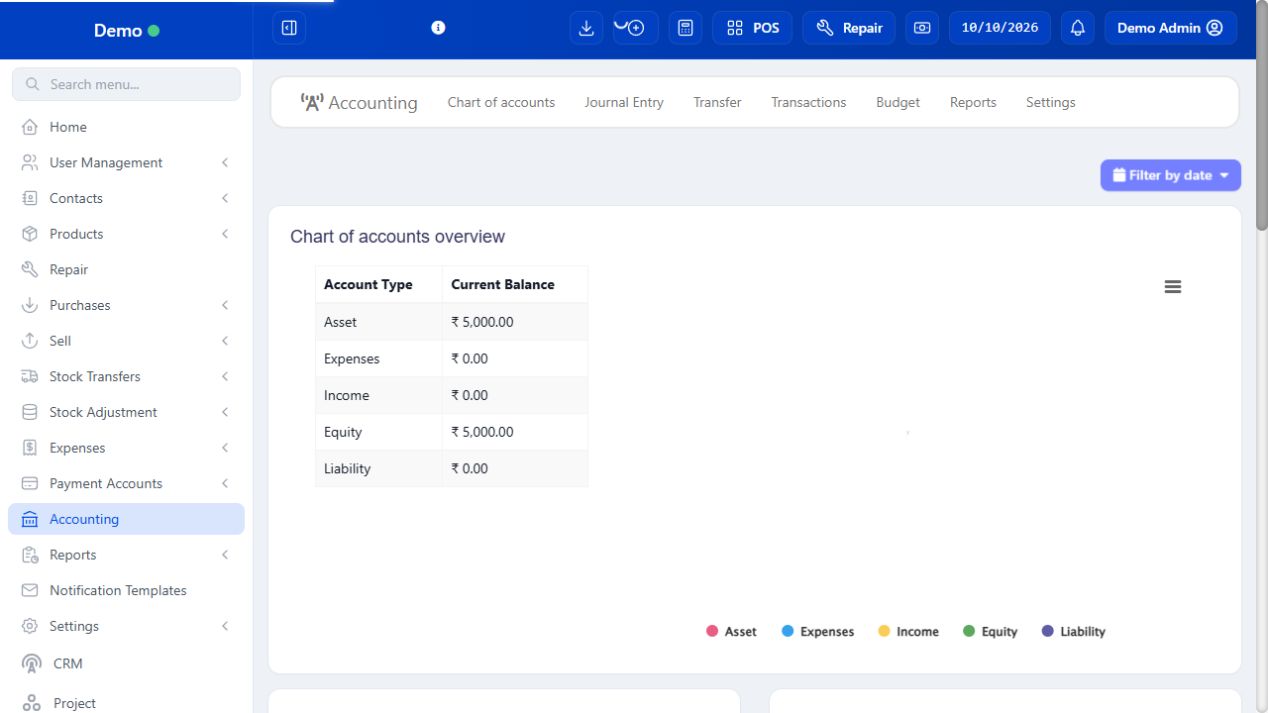
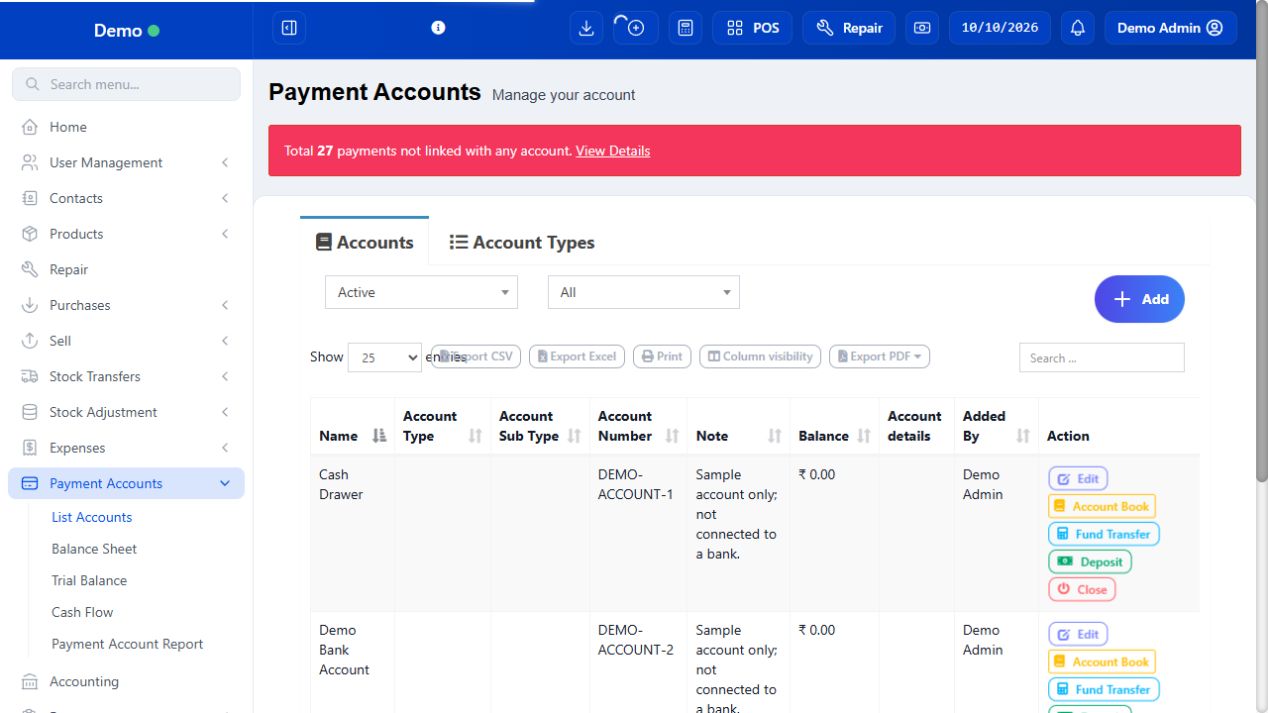
Payment Accounts tracks accounts used for transactions. Accounting adds chart-of-accounts, journals and financial statements. Use the workflow approved by your bookkeeper.
3 procedures · Field reference · Practical example · Common questions
Payment Accounts records the bank/cash balances used by payments and transfers. A payment method such as Card describes how money moved; a payment account identifies where it belongs. Use deposits/transfers for movements between accounts and the original sale/expense payment flow for settling transactions. The separate Accounting module explains the chart and journals.
SCREEN GUIDE Payment Accounts — module overview. Select the screenshot to enlarge; optional fields may differ in your business.
Field reference
Use this while completing the form. A required field is marked with *; conditional fields appear only when enabled.
Field / control
What to enter or understand
Payment account name / number / type
Identify the real cash/bank account without storing unnecessary sensitive credentials.
Opening balance / date
Verified starting funds at the agreed cut-over date.
Deposit / transfer / operation date
Actual movement and time. Source/destination must be correct.
Before you start Have the account name/type and accurate opening balance.
Steps
Add the payment account and its opening details. Use a recognizable name such as Shop Cash or Business Bank.
Select the relevant account when entering purchase, sale or expense payments where offered.
Use account transfer/deposit controls for actual movements; include a reference and date.
Review account transactions, Cash Flow and Payment Account Report with the intended date range.
SCREEN GUIDE Maintain a payment account — look for the controls described in the steps. Select the screenshot to enlarge; optional fields may differ in your business.
Check the result Payments and transfers appear in the accounts selected for them.
PROCEDURE 02
Transfer or deposit funds with a traceable reference #
Where to go Payment Accounts → account Actions; Accounting → Transfers where offered
Before you start Know which account physically paid and which received money.
Steps
Open the actual source account and review its balance/history before entering a transfer.
Choose the permitted transfer/deposit action, select source/destination as offered, and enter actual amount/date.
Add a reference/note identifying the movement. Check the destination is not the same account by mistake.
Save and read both account histories. Reconcile the movement with the bank/cash record.
Do not add a matching expense or sale for a simple transfer: it moves funds rather than creating income or a cost.
Check the result The money movement has a reference and correct account destinations.
Before you start Use a verified account and the relevant date range.
Steps
Open the account detail/history and check its starting balance.
Set the intended period, then inspect each collection, payment, deposit and transfer with its reference.
Compare recorded movements to the bank statement or cash count. A closing balance alone does not identify missing transactions.
Open the underlying transaction for a mismatch; correct through its proper payment/action flow when authorised.
Retain the reconciled period and explanation rather than entering an unexplained deposit to force a balance.
Check the result The account balance can be explained by its movements.
IN PRACTICE
A practical example
Moving 2,000 from bank to cash changes two account balances. It is not new sales revenue. Recording both a transfer and a fictitious expense for that move would misstate the books.
Common questions
Are UPI and my bank account the same field?
UPI is a payment method; the account records where those funds belong.
Should I journal every POS sale manually?
Review mapping first. Manual entries can duplicate transactions already posted by the configured integration.