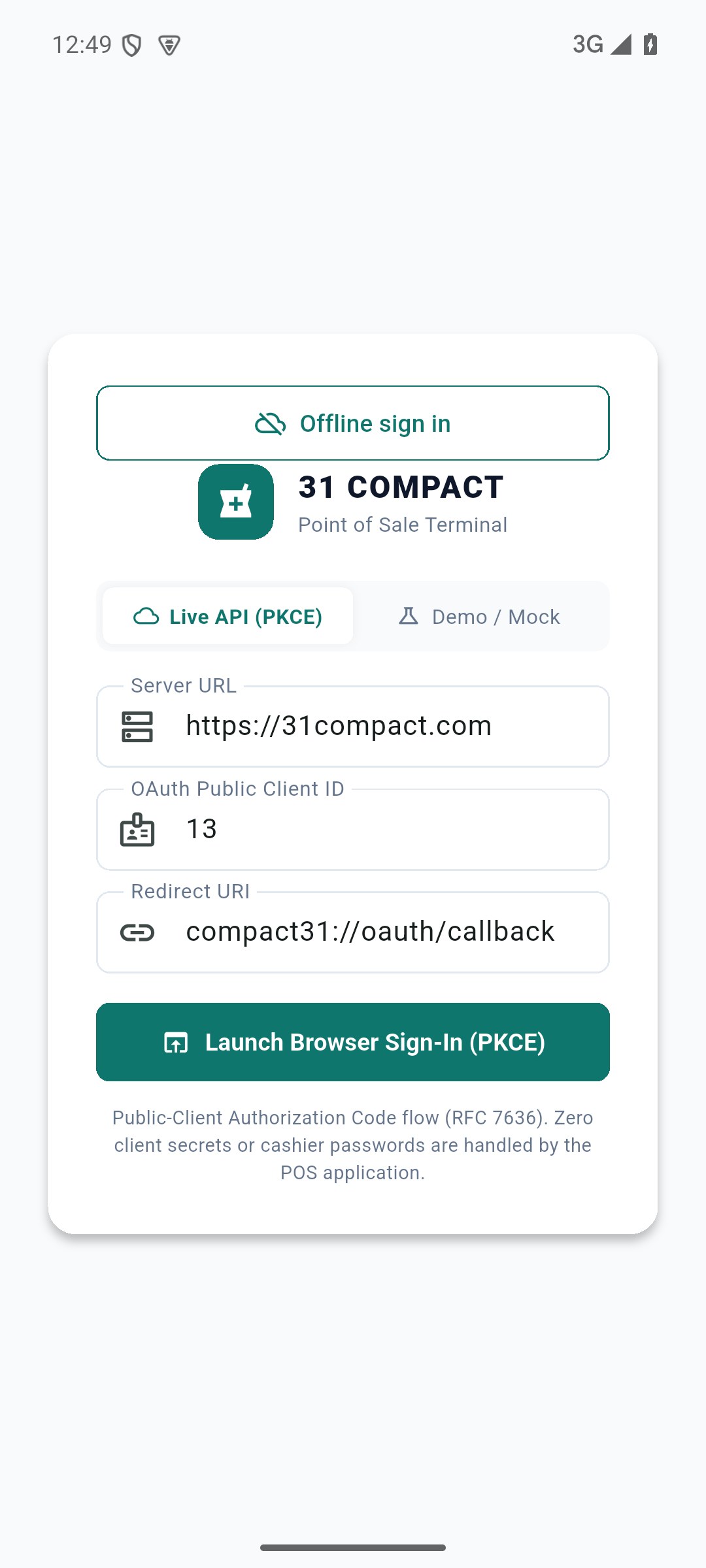
Connector is an administrator-managed API authorisation area. Ordinary staff use the supplied native app connection and their own portal account. An authorised API client does not bypass role, tenant or location access. Keep client configuration and access tokens private; the current native public-client PKCE flow does not require an embedded client secret.
SCREEN GUIDE Native sign-in uses the approved portal connection; API documentation and staff permissions remain administrator-managed. Select the screenshot to enlarge; optional fields may differ in your business.
Field reference
Use this while completing the form. A required field is marked with *; conditional fields appear only when enabled.
Field / control
What to enter or understand
Approved client
Application identity authorised for the portal.
Redirect / callback
Allowed destination where browser sign-in returns to the app.
User authorisation
Staff login and granted session; it remains scoped by role/business.
API access / limits
Configured subscription/access controls and endpoint availability.
Where to go Connector administrator; native sign-in
Before you start Separate authentication from business data/permission failures.
Steps
Check whether browser sign-in completed and returned to the app.
Confirm the approved client/callback with the administrator if the portal reports an authorisation error.
For a signed-in app with missing data, check subscription, staff role and permitted outlets separately.
Use sign-out/sign-in or the offered refresh as appropriate; preserve pending offline work.
Do not grant broad administrator permissions solely to make a cashier’s API request succeed.
Check the result The actual authentication or access cause is identified.
IN PRACTICE
A practical example
The same live cashier account signs into Windows and Android through the approved client. It still sees only its permitted locations; creating an API connection does not grant administrator rights.
Common questions
Should I change the client ID to fix stock?
No. Verify outlet/data/permissions first and use the administrator’s approved connection.
Where should I share tokens?
Do not include them in screenshots, messages or user documentation. Use the approved support procedure.